 Nox
NoxProjects
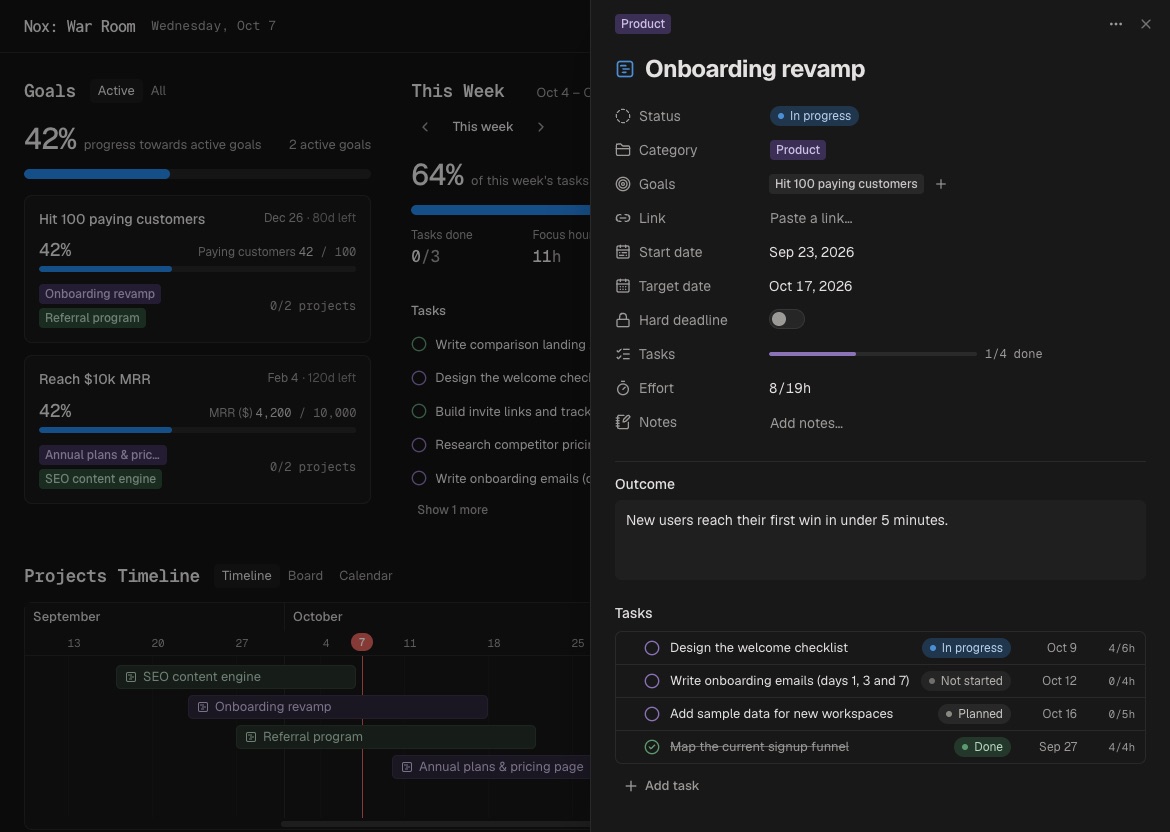
Projects turn a goal into a finishable body of work. Each project has a status, date range, category, notes, links, and a list of tasks.
Create one from New → Project, then connect it to a goal when relevant. Projects can also stand alone.
Choose the view that fits the question:
- Timeline shows when projects overlap.
- Board shows projects by status.
- Calendar makes dates easy to move and resize.
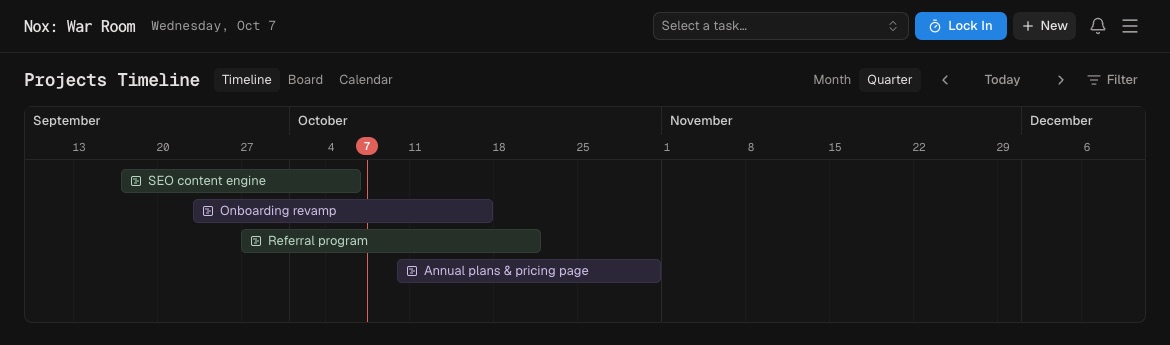
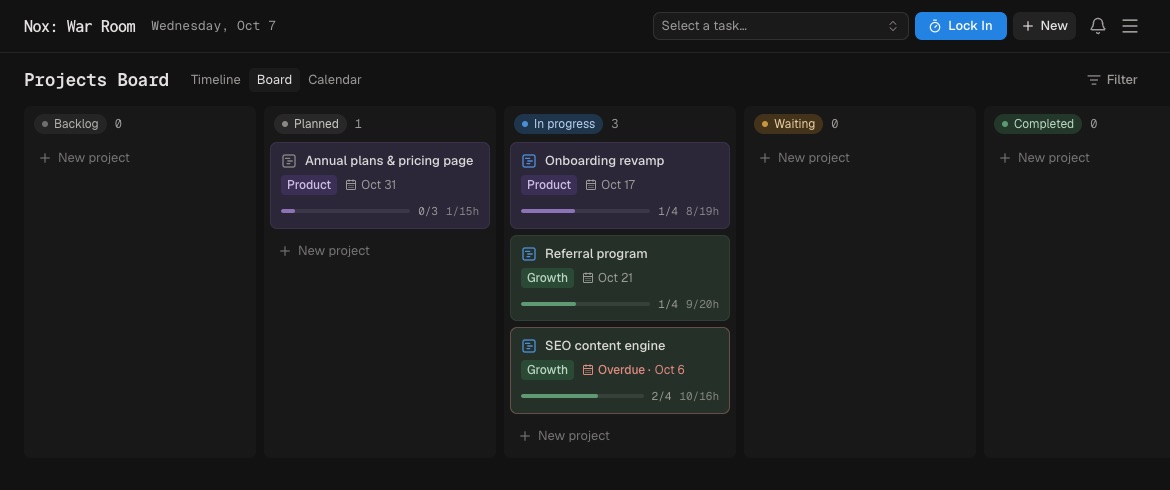
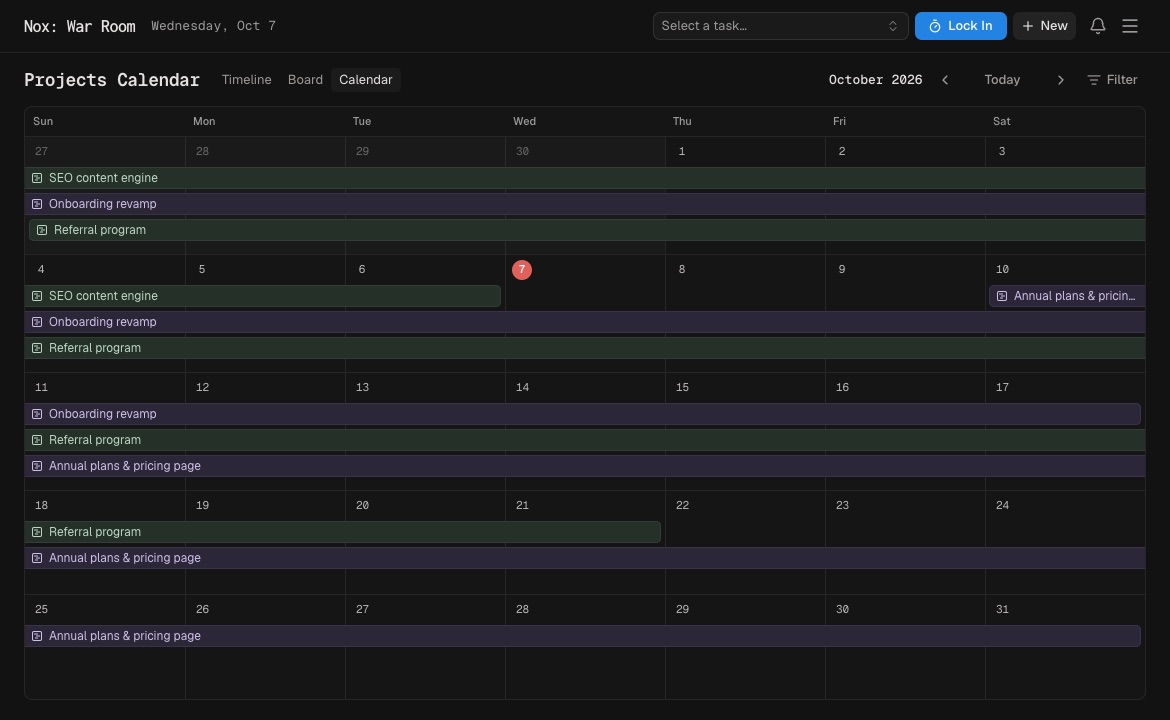
Use filters to narrow projects by category or status. Keep project titles outcome-based—“Publish launch site” is clearer than “Website.”
Tip: if a project has no clear finish, it may be a category. If it can be completed in one sitting, it is probably a task.
Project statuses make the portfolio easier to read: Backlog, Planned, In progress, Waiting, Completed, and Cancelled. Keep only a manageable number in progress at once.
Open a project to see its outcome, dates, linked goals, tasks, progress, notes, and links together. This is the best place to regain context after time away from the work.