 Nox
Nox
Desktop app
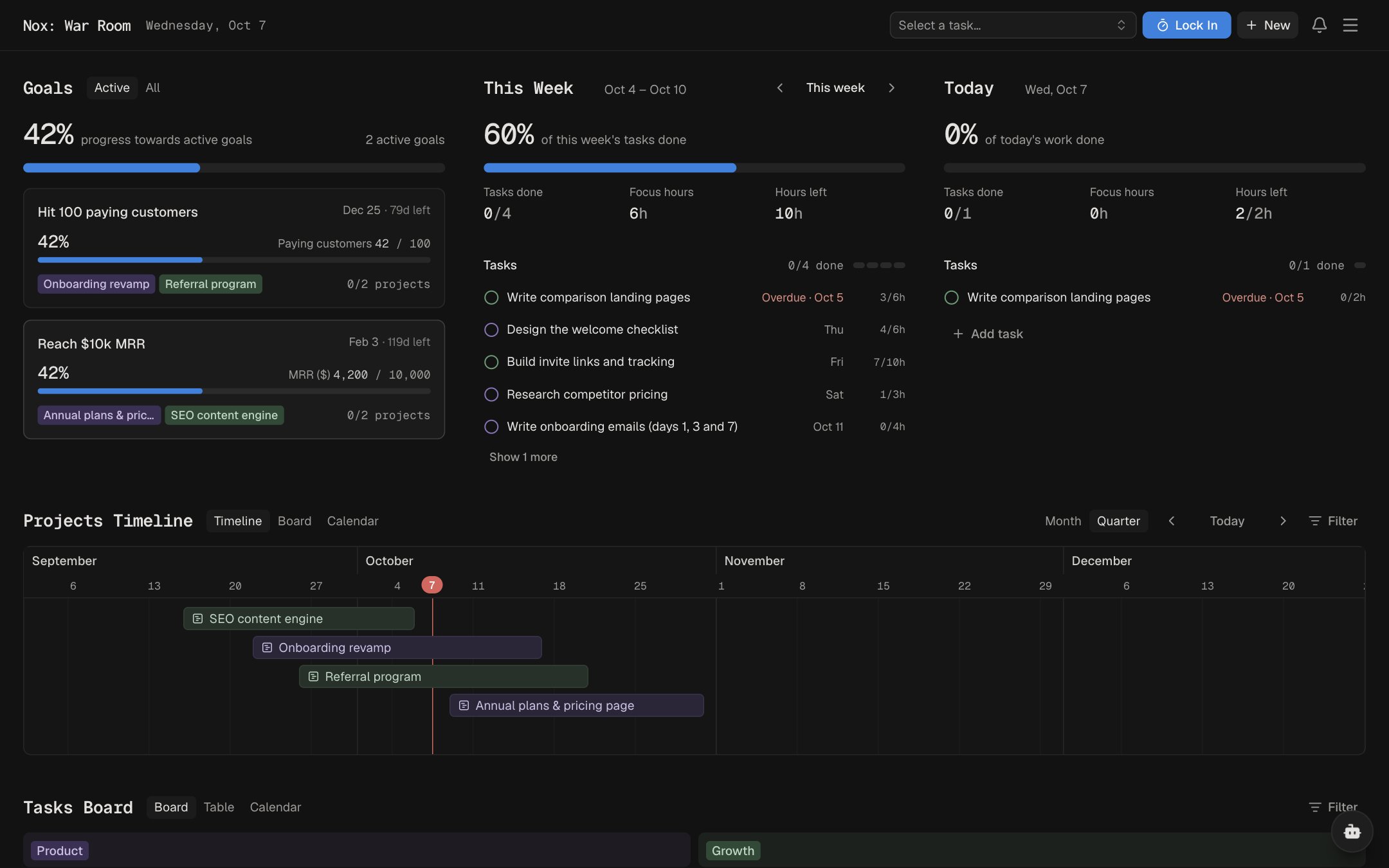
Nox, in its own window
Install Nox from your browser to open it in its own app window, separate from your normal tabs.
Install in Chrome
- Open Nox in ChromeGo to app.usenox.app and sign in.
- Click installClick the install button at the right end of the address bar.
- Keep it handyNox opens in its own window. Keep it in your Dock to open it like any other app.
Its own window
No hunting through tabs. Nox stays one click away, apart from the rest of your browsing.
Refresh with ⌘R
Press ⌘R in the app to refresh everything without reloading the window.
Always up to date
A New version button appears in the header when an update is ready.