 Nox
NoxDaily briefs and notifications
The notification bell collects two useful updates: daily AI briefs and recent Nox releases.
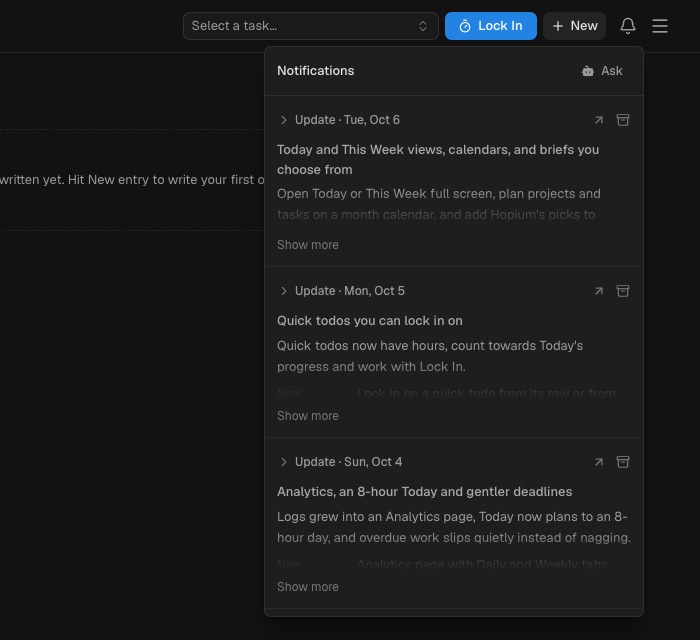
With AI connected and Daily brief notification enabled, Nox prepares a brief at 9:00. It recommends a small set of open tasks and focus hours based on deadlines, active goals, current progress, and your recent working pattern.
Open a brief to review its suggestions. Add the work you want to Today; Nox does not add recommendations automatically. You can rewrite today’s brief, mark notifications as read, or archive them.
Product updates also appear in the same feed and link to the full changelog.
Click the bell or press 9 to open notifications. Manage daily briefs under Menu → Preferences → AI.
Briefs work best when tasks have estimates, dates, statuses, and goal connections. Recent logs help Nox suggest realistic focus hours.
Treat the brief as a recommendation. Compare it with meetings and commitments Nox may not contain, then add only what you intend to do.
The bell is an in-app inbox. Archive old briefs and updates to keep it focused.