 Nox
NoxGetting started
You can build a useful Nox workspace in a few minutes.
- Create one goal that matters now.
- Add the projects that would make that goal real.
- Add a few concrete tasks to each project and estimate their time.
- Put the most important work on Today.
- Start a Lock In session and do one thing at a time.
- Review your work in Analytics at the end of the week.
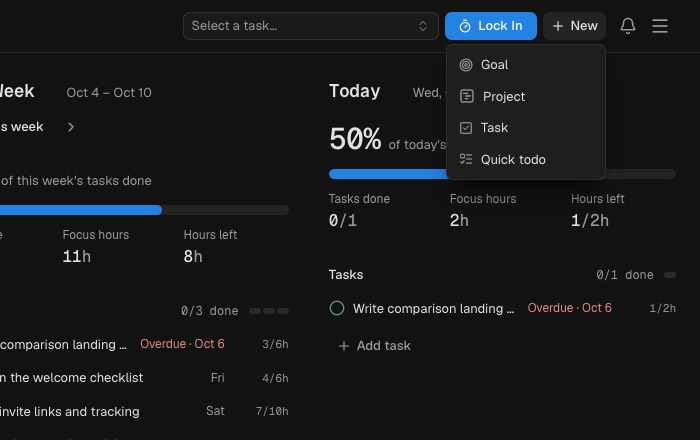
Use New in the header to create a goal, project, task, or quick todo. Nox works without a complete setup, so begin with current work rather than importing your entire life.
A good first use case: create a goal such as “Launch the new site,” connect projects for design, development, and launch, then plan the next three tasks for Today.
As you add work, use estimates that are good enough rather than perfect. A rough 30-minute, two-hour, or four-hour estimate already helps Nox distinguish a realistic day from an overloaded one.
At the end of your first session, add a short result note. After a few days, open Analytics and compare what you planned with what actually happened. That closes the basic Nox loop.