 Nox
NoxNox for freelancers
Manage multiple clients, deadlines, deliverables, and available capacity.
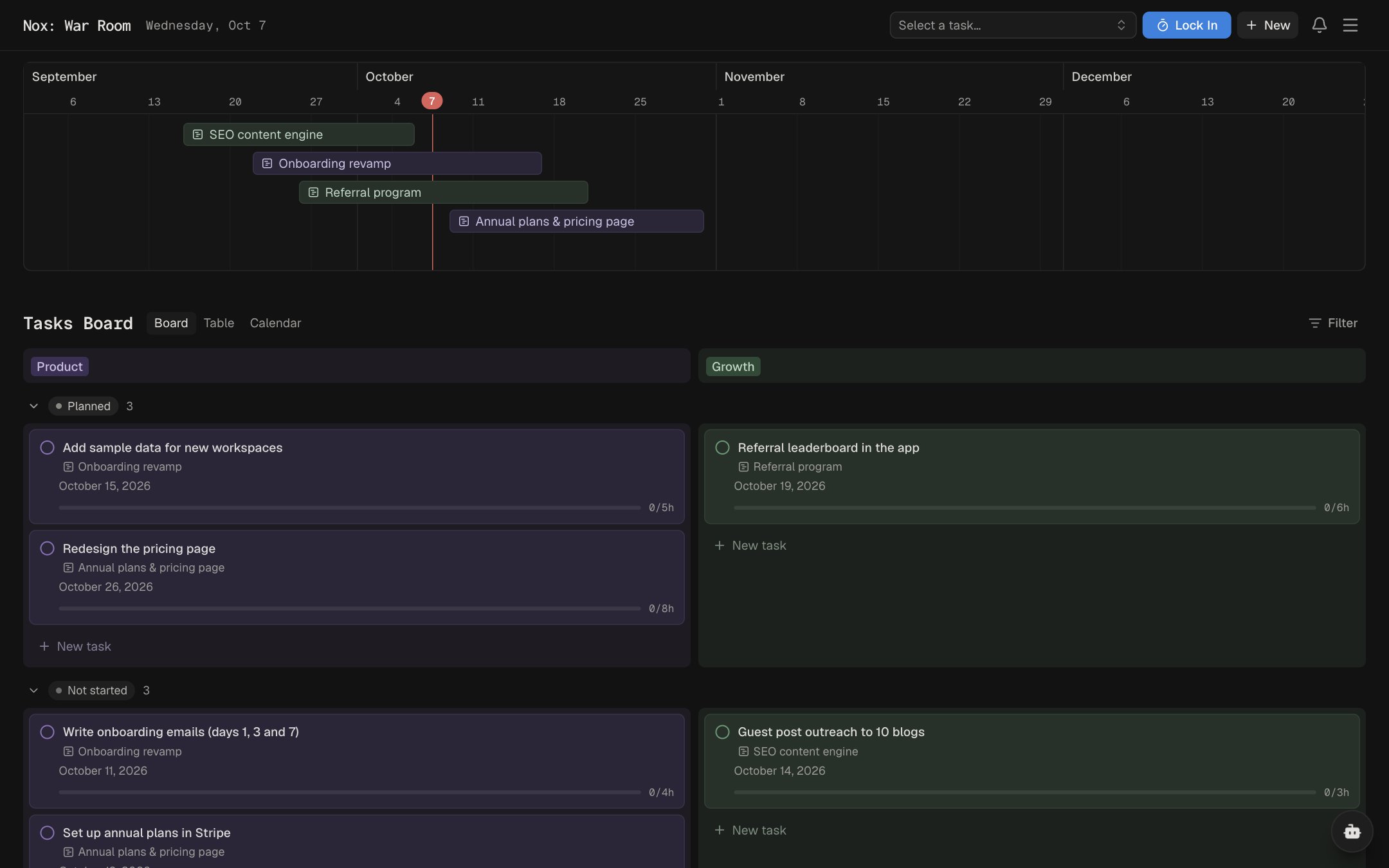
Every client on one timeline
Keep each client's projects side by side on a timeline or calendar, and filter by category.
Deadlines that hold
Mark hard deadlines that never slip, and see deliverables due this week at a glance.
Know your capacity
Estimates on every task show how much fits in a day, and what doesn't.
How freelancers use Nox
- Give every client a homeEach client gets a category, and their work gets projects with due dates.
- Estimate before you commitHour estimates on tasks show what a week can hold before you say yes to more.
- Review the weekThe weekly report shows what you planned, what came up, and what you delivered.
Goals you can achieve with Nox
-
Deliver every project on time
Client deadlines are hard dates that never slip, and Today schedules the work back from them.
-
Take on a new client without burning out
Today fits work into an 8-hour day, so you can see if there is room before you say yes.
-
Earn $8k a month
Set an income goal and connect each client project to it, so you know where the money comes from.
-
Build a base of retainer clients
Plan the pitch, proposal and follow-up for every client you want on a monthly retainer.
-
Launch your portfolio site
Treat your own site like a client project, with tasks and a date you actually keep.
-
Keep your week under 40 hours
The weekly report shows where your time went, so you can trim what eats your evenings.